

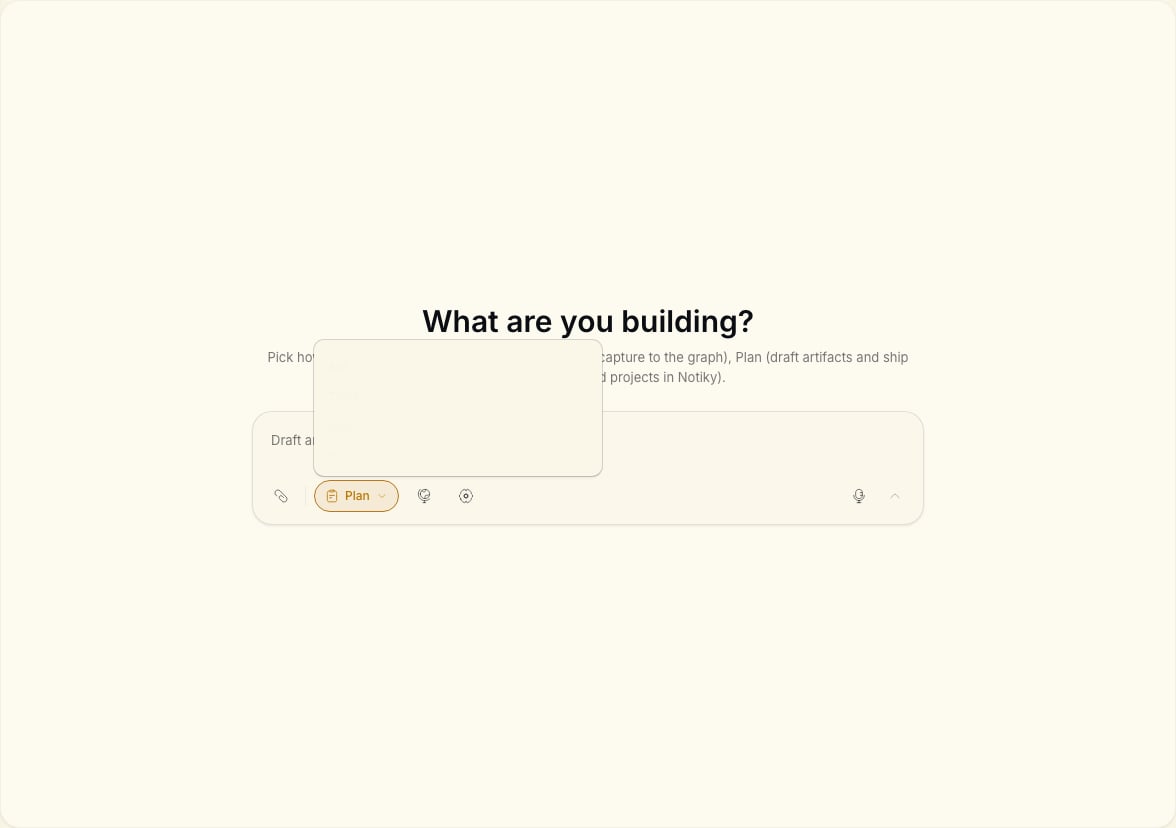
The four modes
Switch modes with the pills in the conversation composer — Ask, Think, Plan, Do.
When to use each mode
Ask
You want an answer from your workspace: “What did we decide about pricing?” or “Summarize open tasks for this project.”Think
You are working through a decision. Notiky can challenge assumptions and capture structured notes — aligned with the landing promise of an AI that argues back, not agrees blindly.Plan
You are ready to break work into tasks or drafts but not execute yet. Good for PMs shaping a sprint before assigning agents.Do
You want the agent to take action: create tasks, update the board, publish artifact drafts. Use when you trust the direction and want execution.Typical PM flow
1
Think through the decision
Open a conversation in Think — explore options and capture rationale.
2
Plan the work
Switch to Plan — draft tasks with enough context for a developer or agent.
3
Assign to an agent
Move tasks to the board and assign an agent on a connected runtime.
4
Track on the board
Follow progress in Tasks like any other teammate.